
When switching on your Garmin GPS Unit, while the T4A GPS Maps on SD card is inserted in the unit – you may see the message as per below appear – choose “NO”.
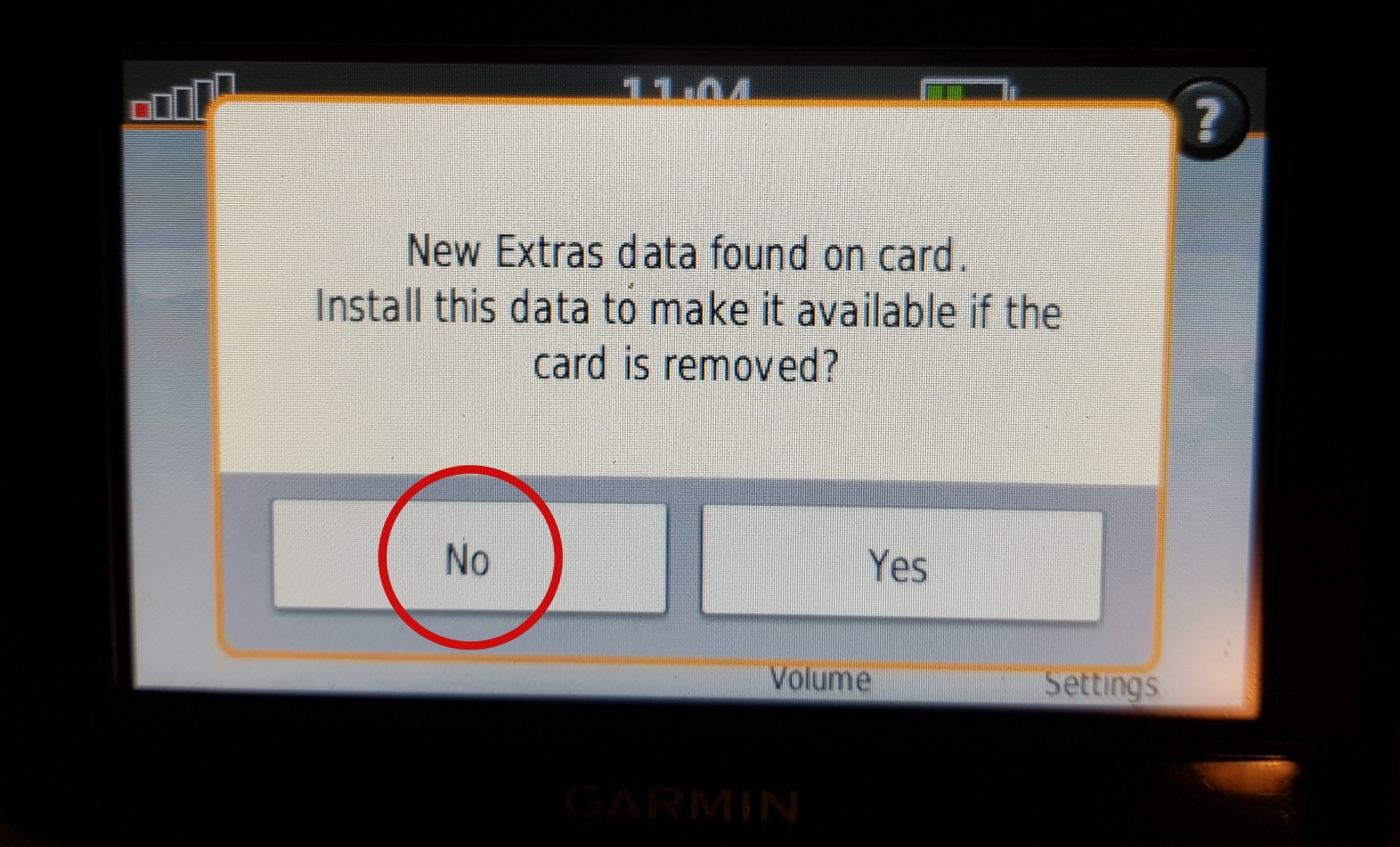
This means that the Garmin unit has picked up that there is an extra data file on the SD Card. In this case it has picked up on the Africa Guide, that is supplied by T4A, and included on our SD Cards. It is not necessary to install this onto your GPS unit, as you can access it directly from the SD Card. This is also a very large file, of over 800MB in size. See here for more info on the Africa Guide.
Also note – if you choose “YES” here : The ‘extras’ that are transferred to the GPS are the T4A Africa Travel Guide file not the maps. The SD card HAS to be inserted in the GPS when you want to use T4A maps.


