
On the Garmin Nuvi range you will have to zoom into the map to about 30 – 50m to see any POIs displayed. Garmin Nuvis are City Navigators i.e. it won’t display all your POIs at the same zoom level as an outdoor GPS unit would.
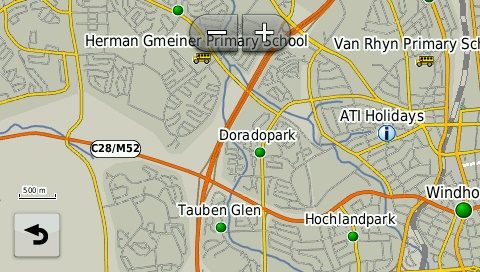
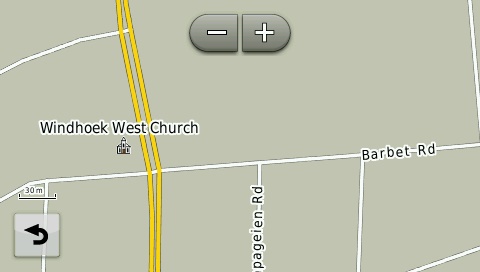
Examples of the map at different zoom levels on a Garmin Nuvi.
500m Zoom Level
30m Zoom Level
The newer Nuvi units were purposely engineered to limit the amount of POIs that display on the screen to avoid cluttering. Therefore you won’t be able to see all POIs at 80m zoom level. To view POIs (Points of interest) on your GPS, either search for the point under ‘Where To’ (on the main menu) or make a waypoint on the GPS or transfer a waypoint from MapSource / BASECAMP in order to have the POI displayed on the map when viewing.


 Products