
There are two options. The one is the same steps for deleting the Route – you would just choose saved location.
Below is the second option.
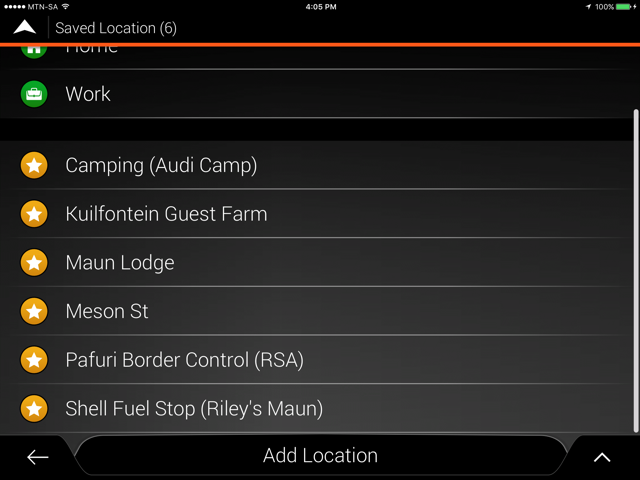
Go to Saved Location.
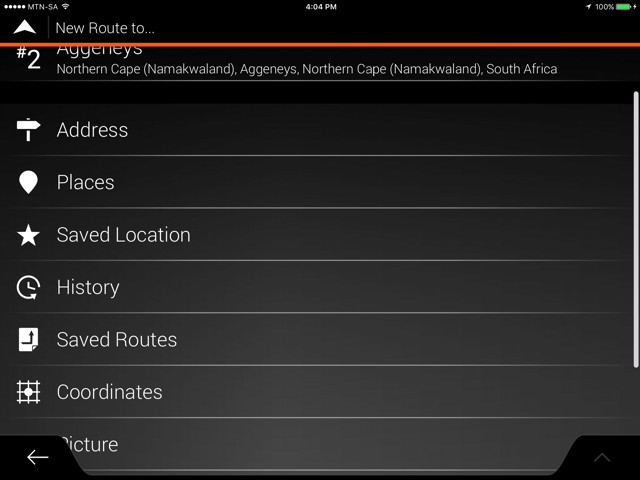
Click on the Arrow up.
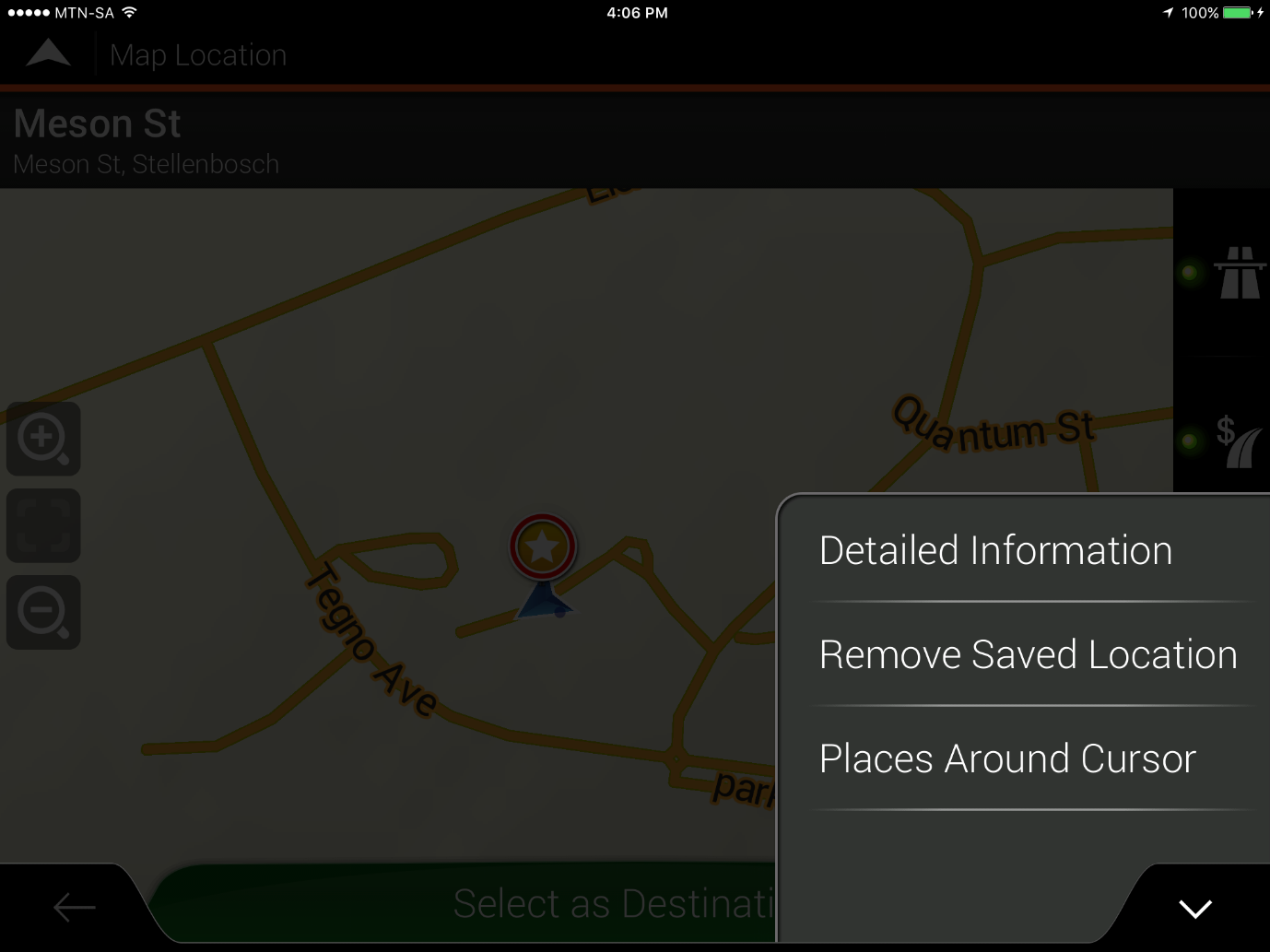
And choose Remove Saved Location.
For more info on using this APP, please view this document on Tips & Tricks on the T4A Overland Navigator App.


 Products