
Go to New Route.
And click on Saved Routes.

Click on the arrow up and click on Edit.

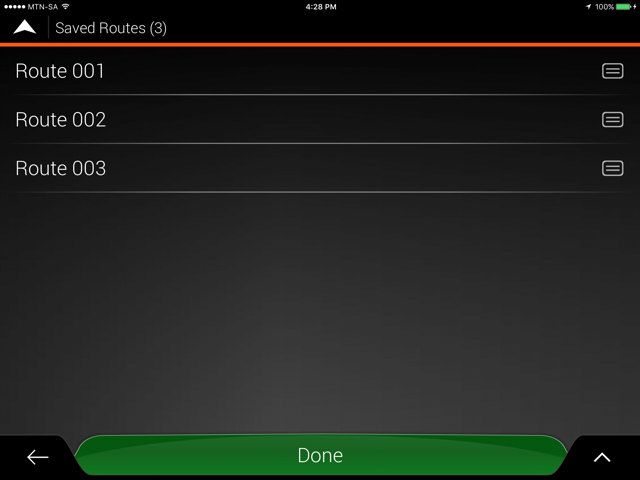
The below screen will come up with all the routes you have saved.
Click on the box with the two lines in it, by the Route you would like to delete.
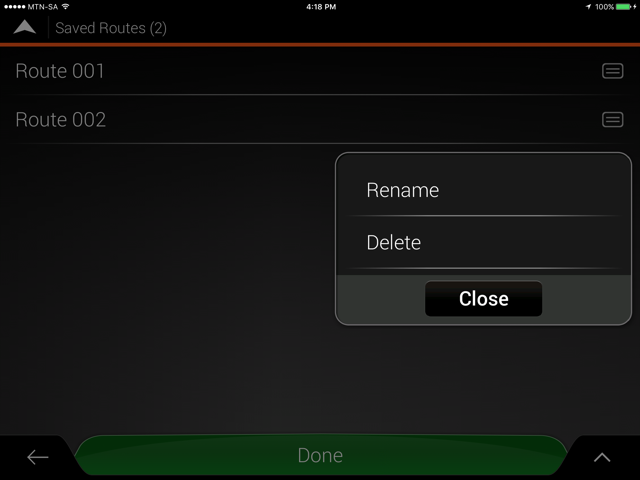
The below screen will come up.
Click on Delete to delete the specific route.
For more info on using this APP, please view this document on Tips & Tricks on the T4A Overland Navigator App.


 Products