
How do I save waypoints.
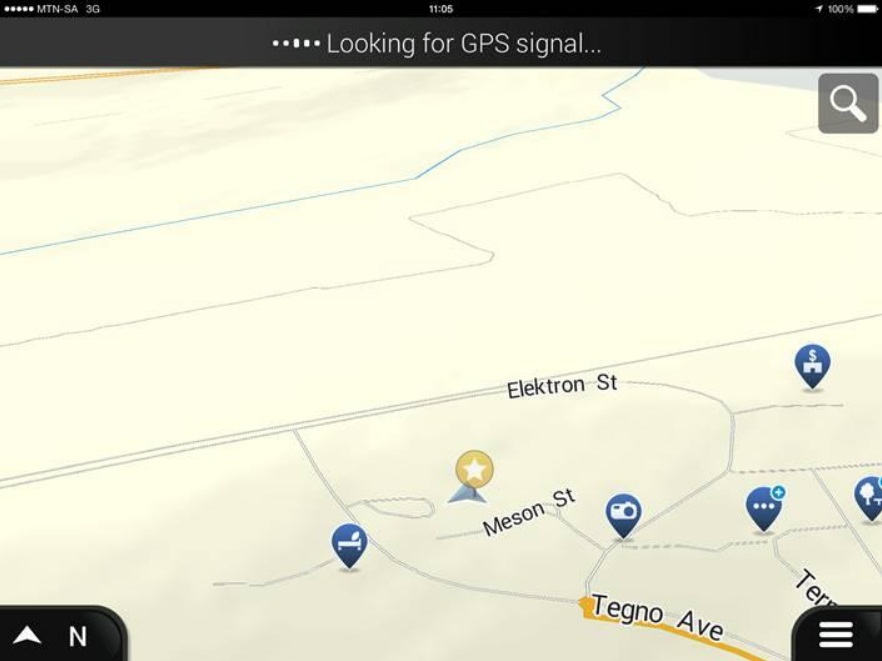
Click on the 3 stripes on the bottom right hand corner of your Apps’ screen.
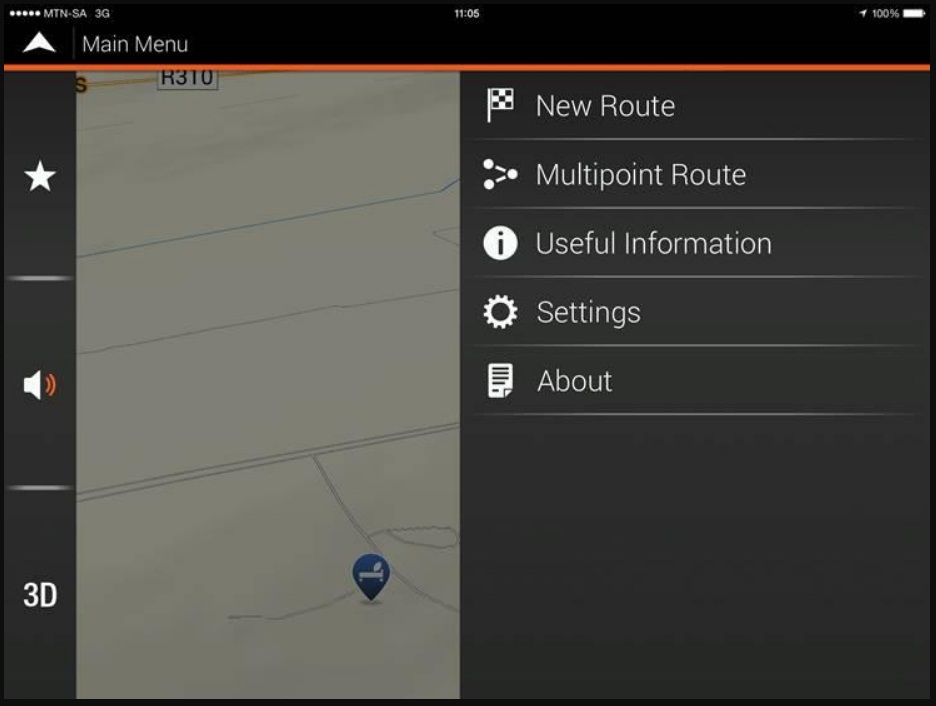
Now click on new route.
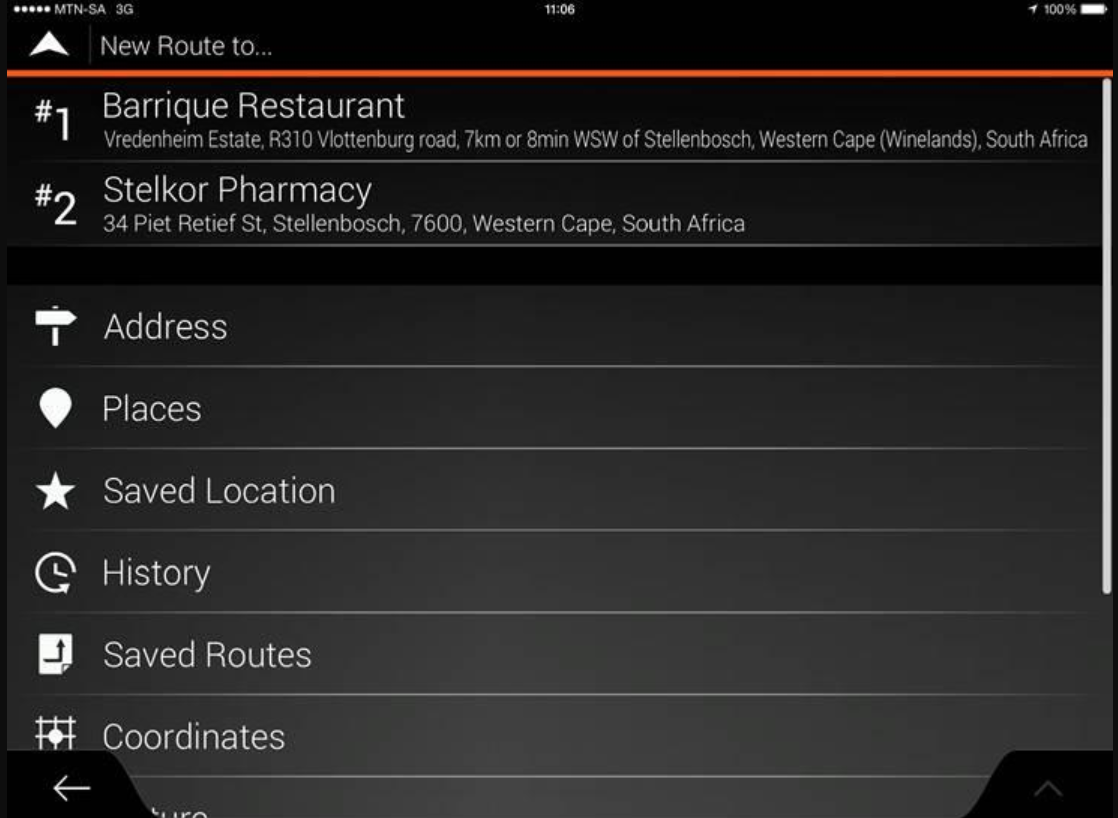
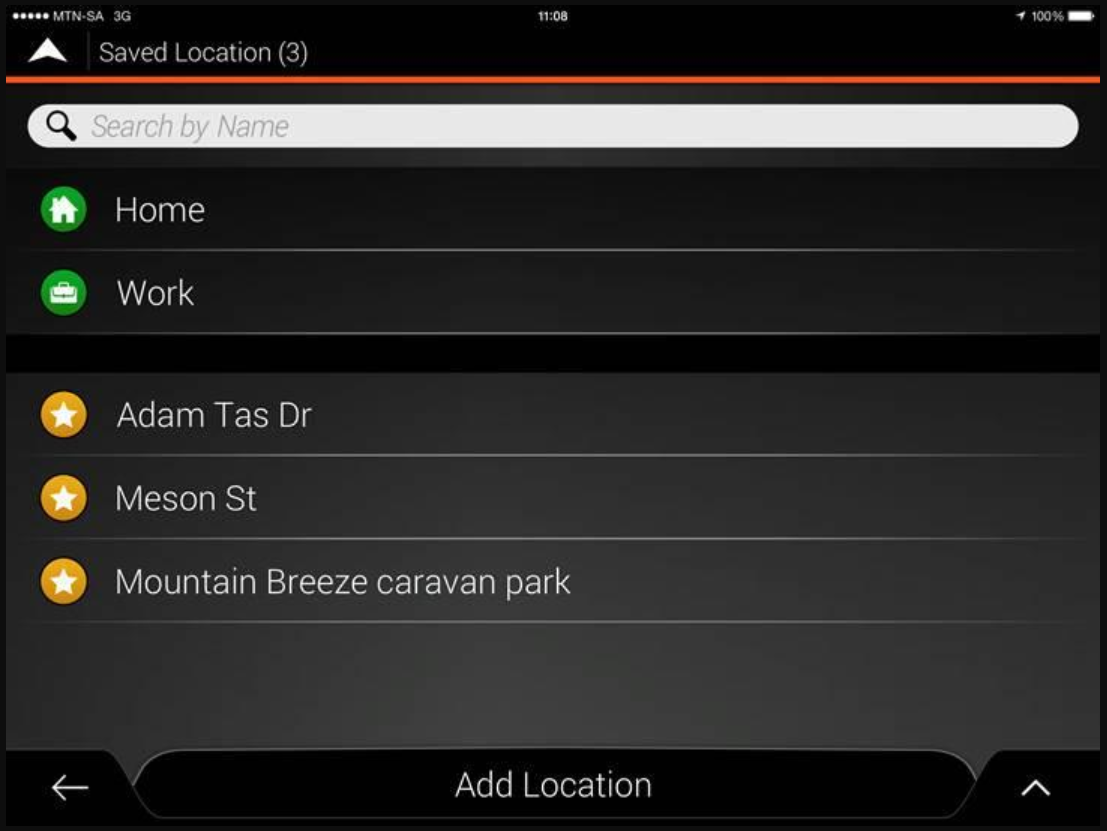
Then click on Saved Location.
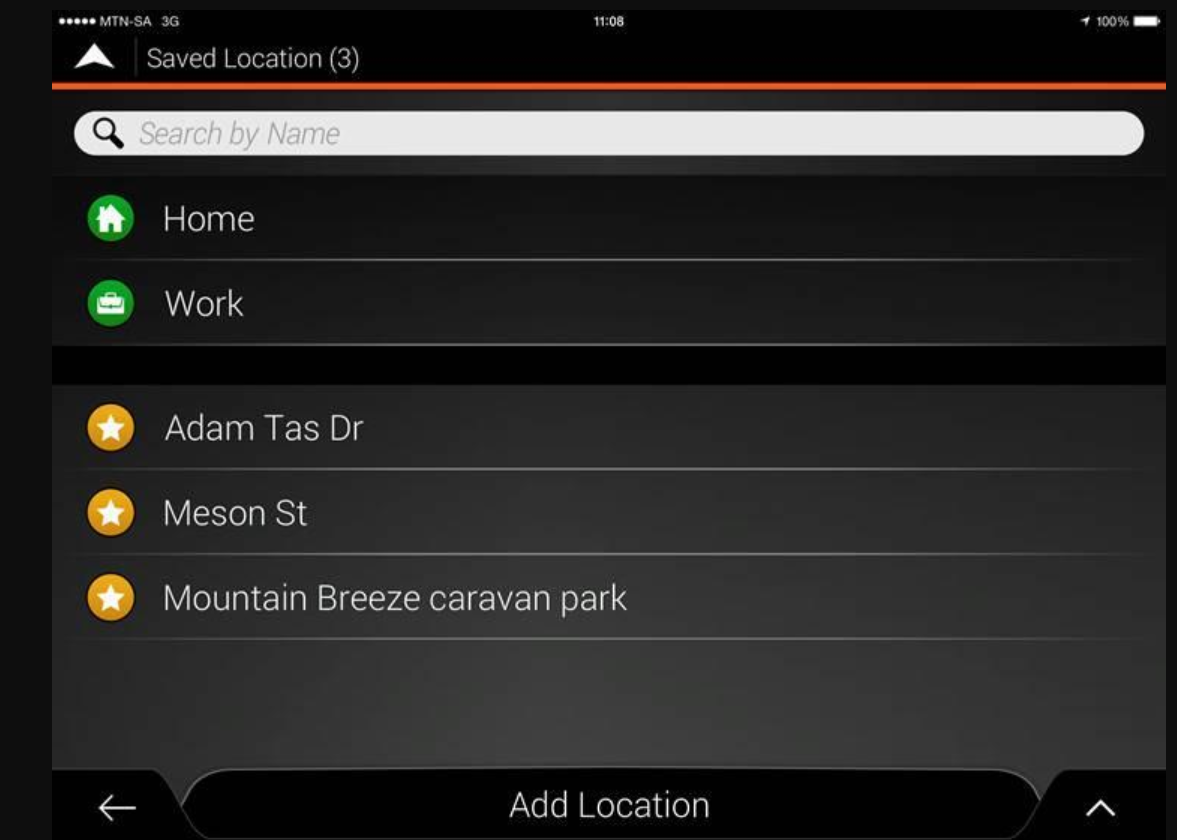
Then click on “Add Location” at the bottom of the screen.
Select the POI you wish to save, you have the option to search for a POI under search by name for places around you, or you can click on Around Here and select a different city or country.
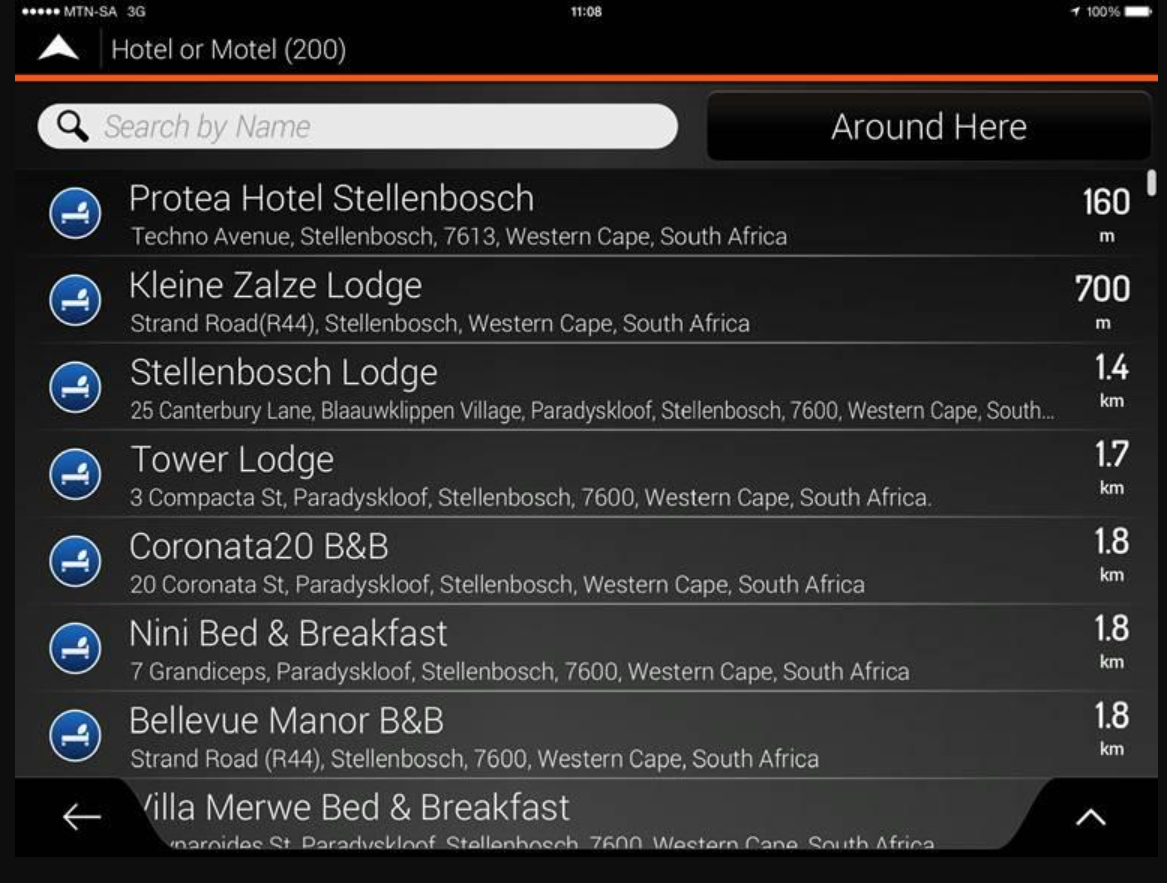
Once you have the location, you can then save the location.
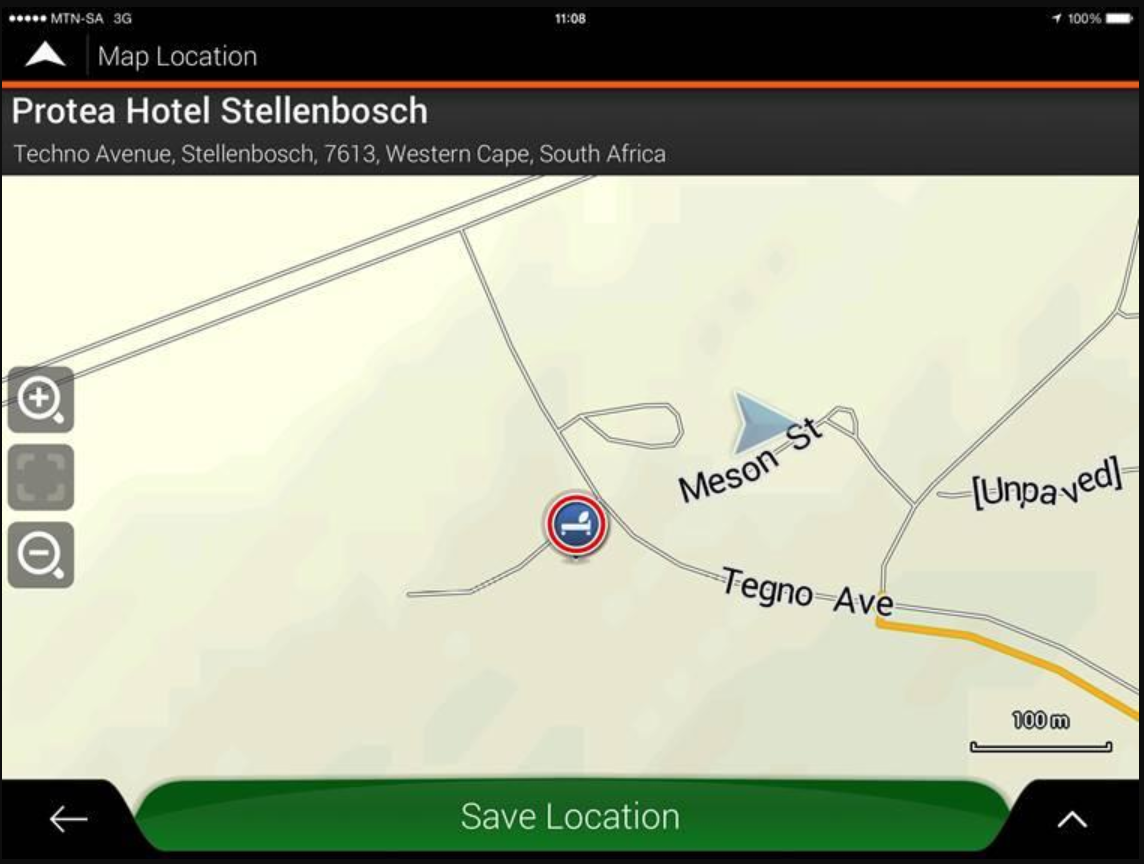
How do I find the saved location?

It will be listed under your saved locations.
How do I create the route, with the waypoints saved before.
Go to Multipoint Route.
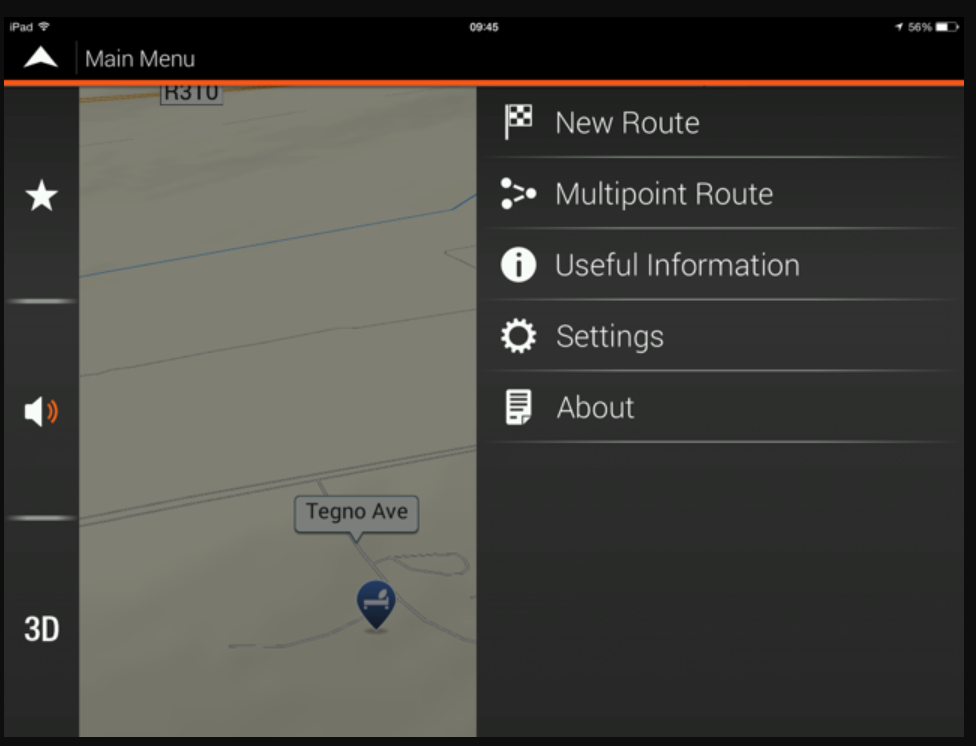
Then add the saved points by clicking in the plus signs.
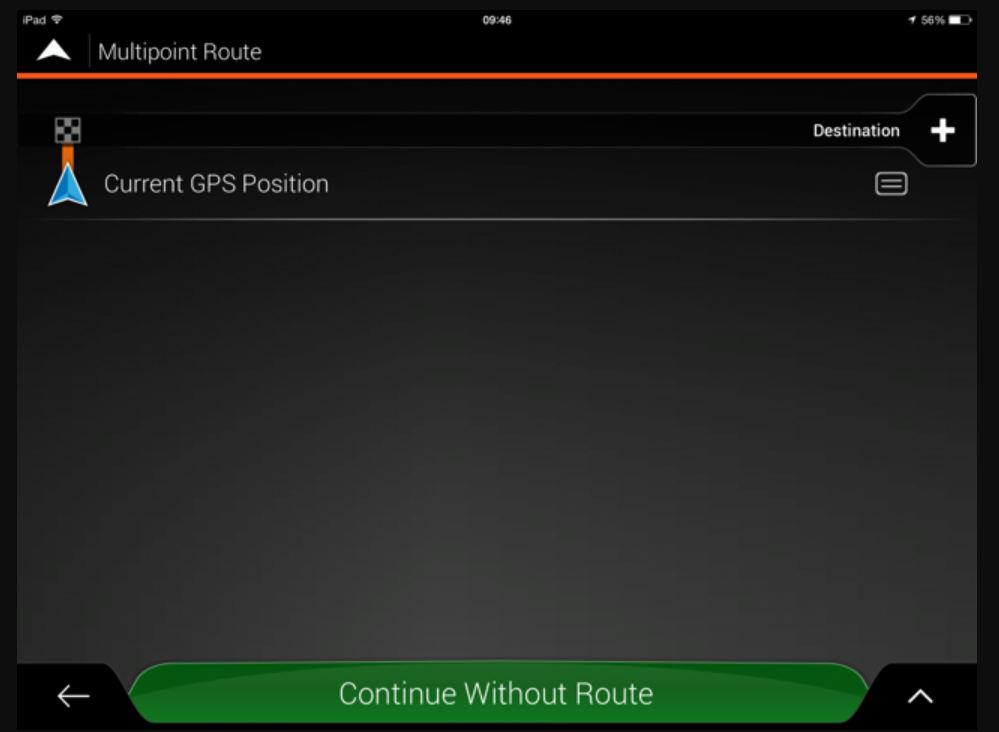
Select Saved Location.
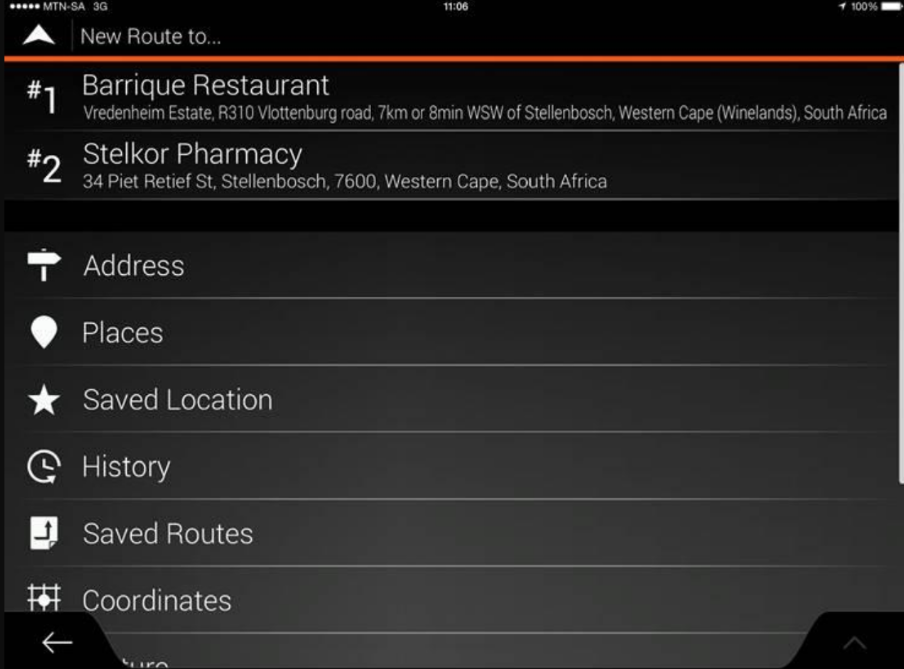
Select the location you wish to make your next point and select as destination.
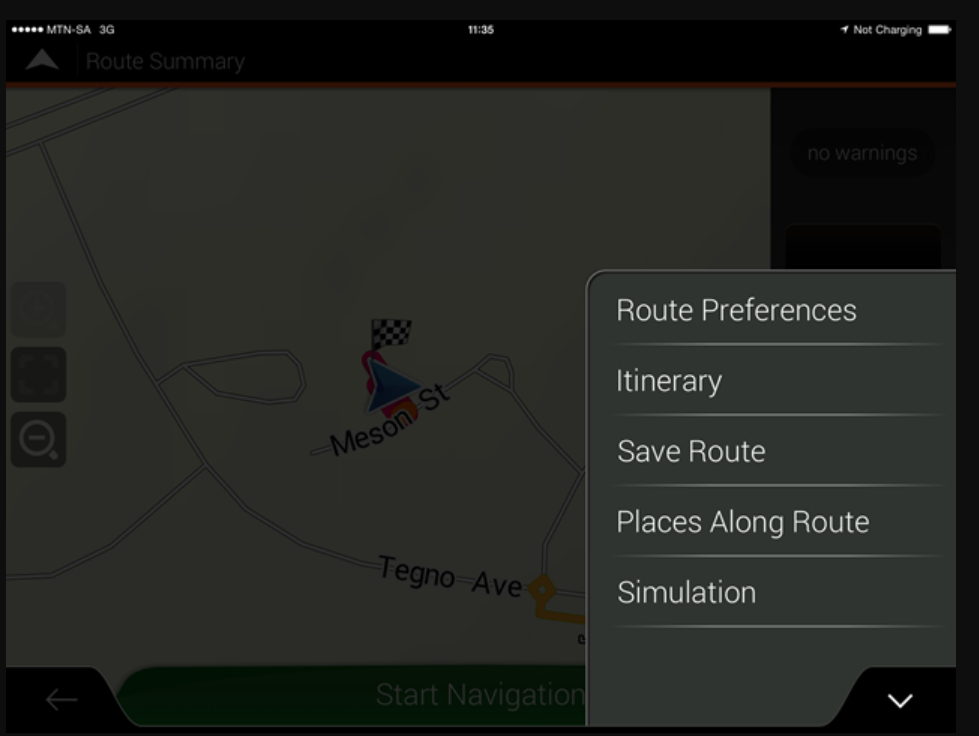
Continue with this until you’ve added all the saved locations in the route you wish to travel. Calculate the route, and then select the strips on the screens bottom right corner and then save the route.


 Products